Build the picture
Start with an empty field. Add your players, equipment and movement to explain the practice.

Organize your coaching week with practical coaching software built by Trimmer Soccer Technologies. No account required.
Your teams, sessions and matchday plans in one place. Create your own workspace and make it part of your coaching week.
Free for individual coaches. Your records stay in this browser. Keep regular backups.
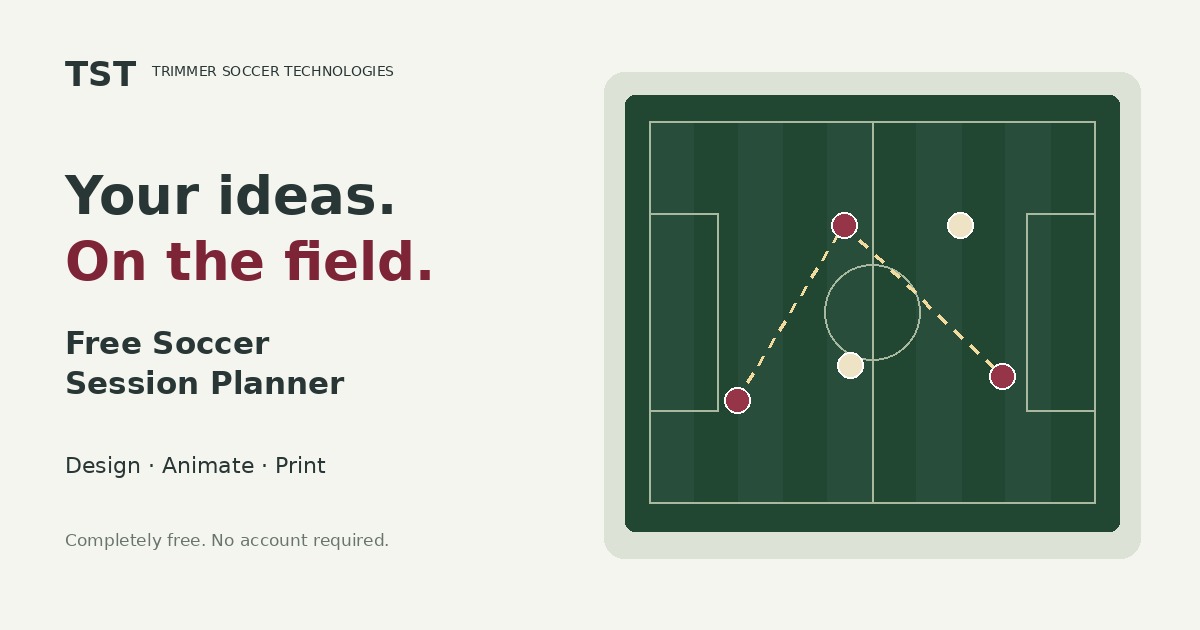
Turn a coaching idea into a complete training session. Draw your exercises, organize your practice and bring a clear plan to the field.
Your sessions stay in this browser. They are not synced across devices. Export a backup to keep a separate copy.
Start with an empty field. Add your players, equipment and movement to explain the practice.
Add exercises, define your objectives and keep your coaching points alongside each diagram.
Present your plan, print a session sheet or download a backup you can import again later.
In your browser’s local storage on this device. Return using the same browser, profile and planner address to reopen your library. Clearing site data, private browsing or browser cleanup can remove locally saved work. Download backups regularly.
Export a session or your full library as a JSON backup, then import it in the planner on the other computer. Imports create new copies and do not overwrite existing sessions.
No. Open the planner and start a session. There are no accounts, registration forms or payment requirements.
The layout is designed primarily for desktop and tablet. Desktop editing is the recommended starting point. Touch interactions and browser-specific behavior are still awaiting hands-on verification.